
SMPTE does not define an official timecode for very high frame rates, but there is a simple workaround that keeps your slow-motion footage in sync. This guide explains how to pick a base frame rate and jam your devices so high frame rate takes still line up in post.
Step-By-Step User Guide
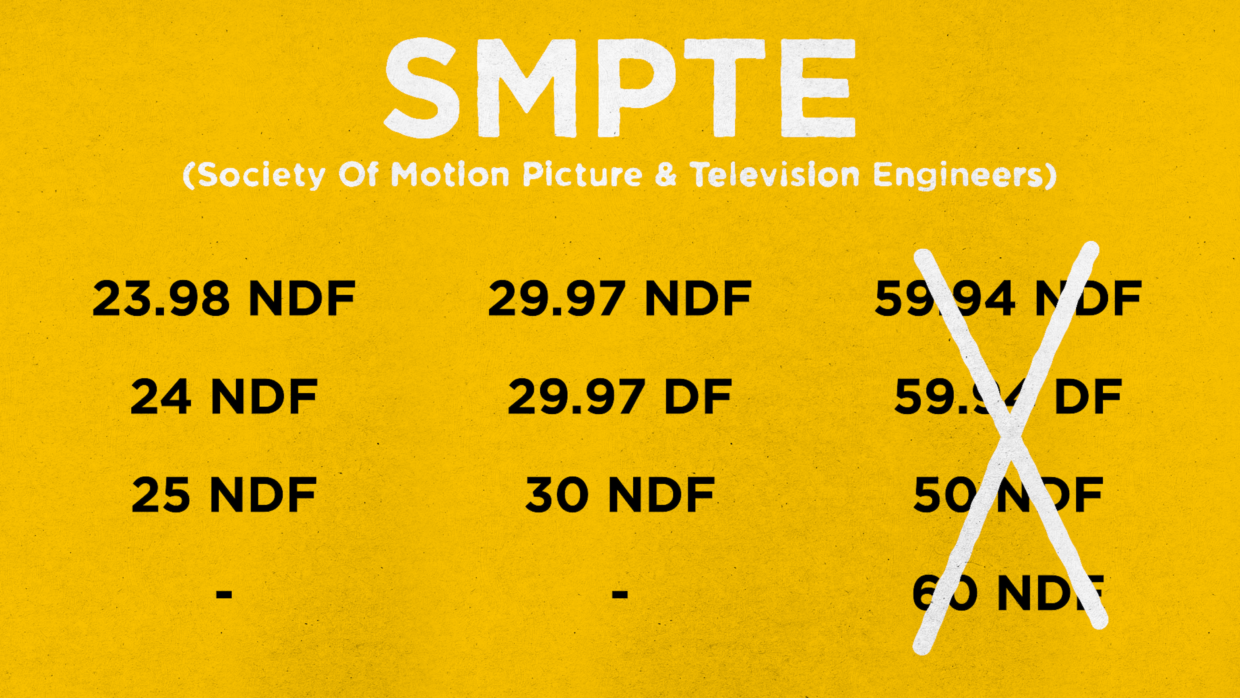
Step #1
Though SMPTE recognizes frame rates like these, there is no official timecode for high frame rates.
Luckily there is an easy work around!
Step #1
First, confirm your shooting frame rate. In this case we’re using 59.94 non drop frame.
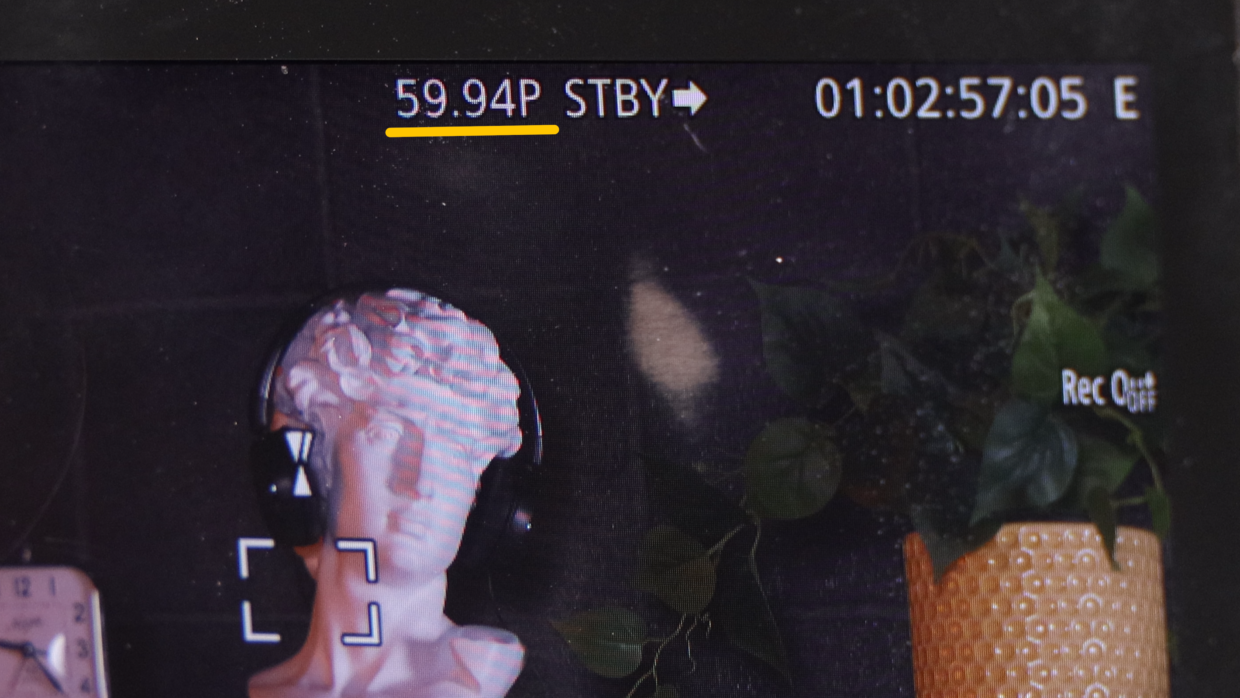
Step #2
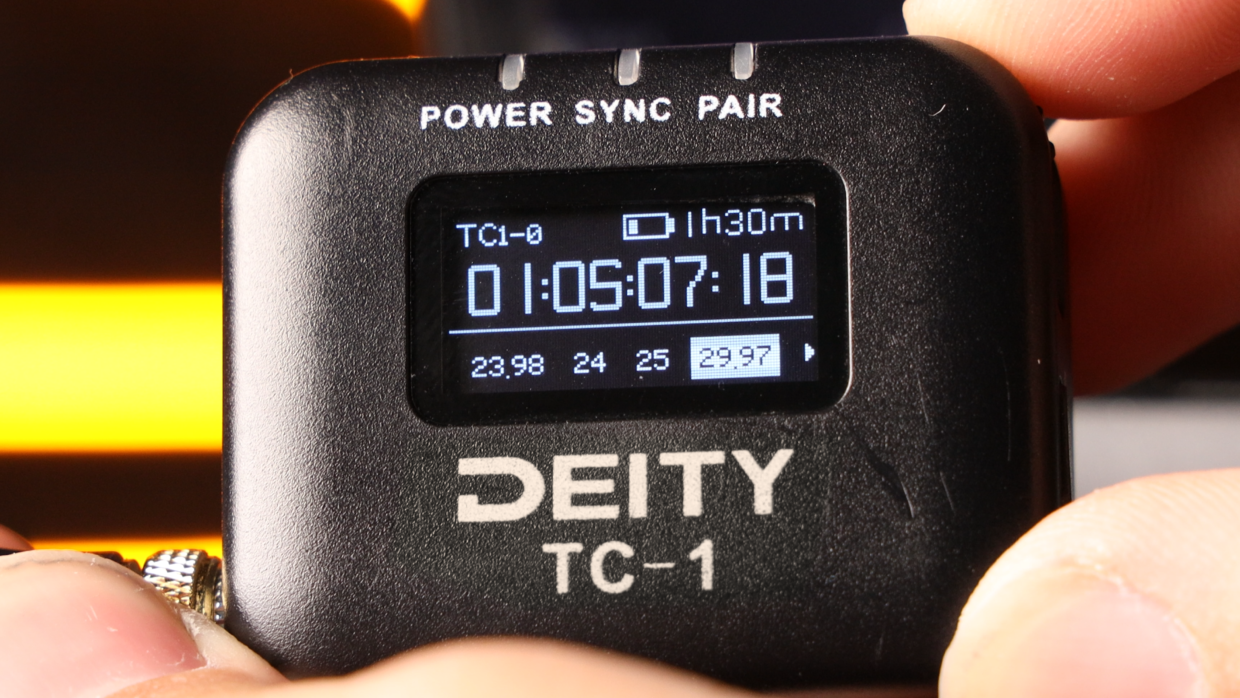
The key is to select a timecode frame rate on your Deity TC-1 that can evenly divide into the shooting frame rate.
To get timecode on 59.94 non drop frame, select 29.97 non drop frame (59.94/2 = 29.97).
Step #3
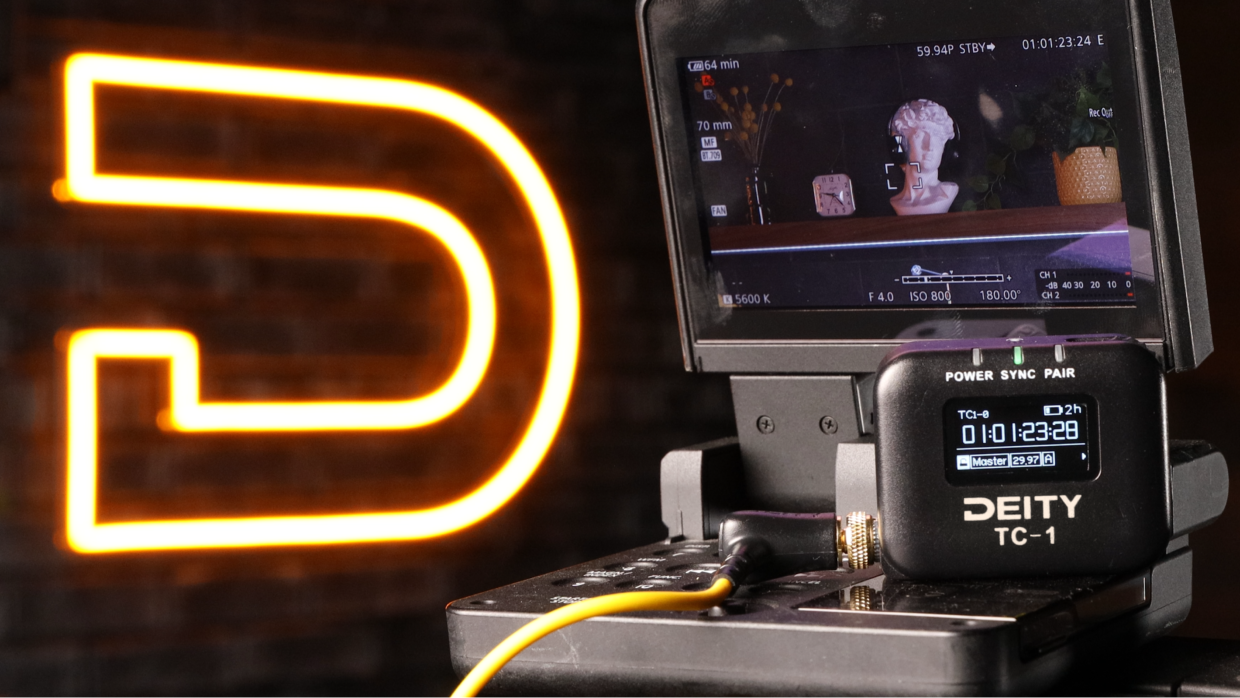
With that, you can see that the camera is receiving timecode and is ready to be synced with the rest of your set!
If you need help syncing your Deity TC-1 to your other Deity TC-1 timecode generators, here is a User Guide.
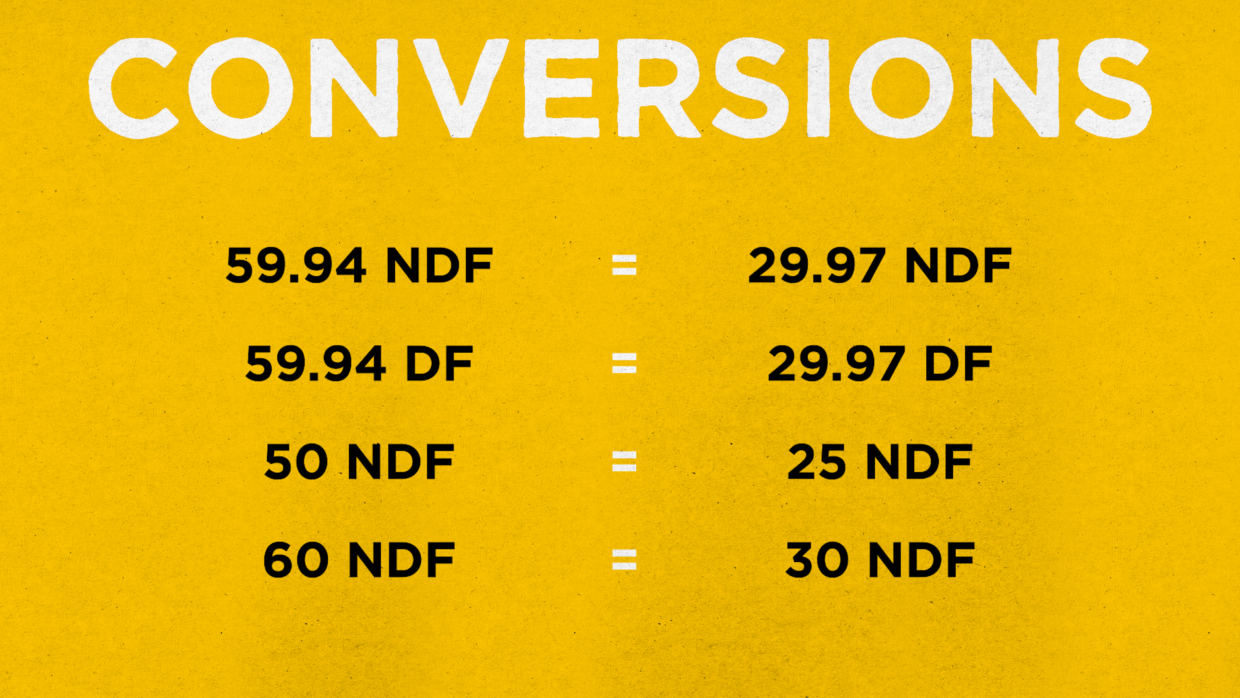
Timecode Conversion Chart
This applies to all kinds of other high frame rate options. Here is a conversion list to help you out!