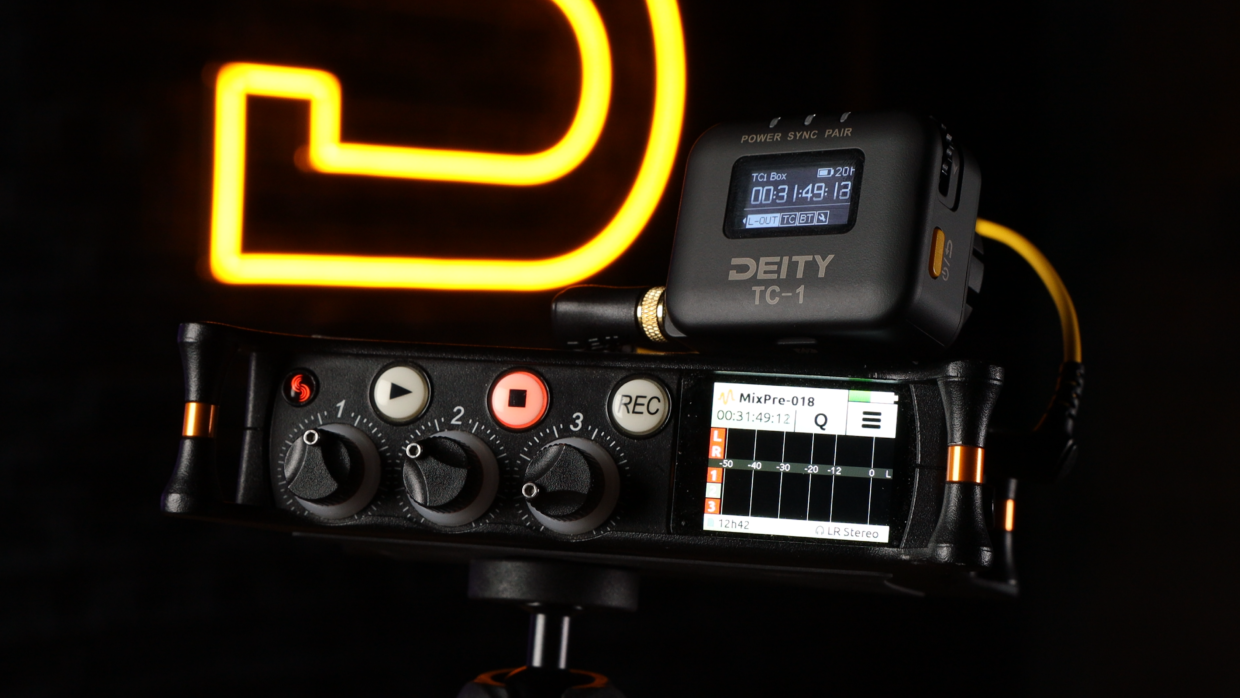
The Sound Devices MixPre-3 can lock to external timecode so its recordings stay in sync with your cameras and other sound sources. This guide covers connecting a Deity timecode generator and configuring the MixPre-3 to jam and read timecode.
Step-By-Step User Guide
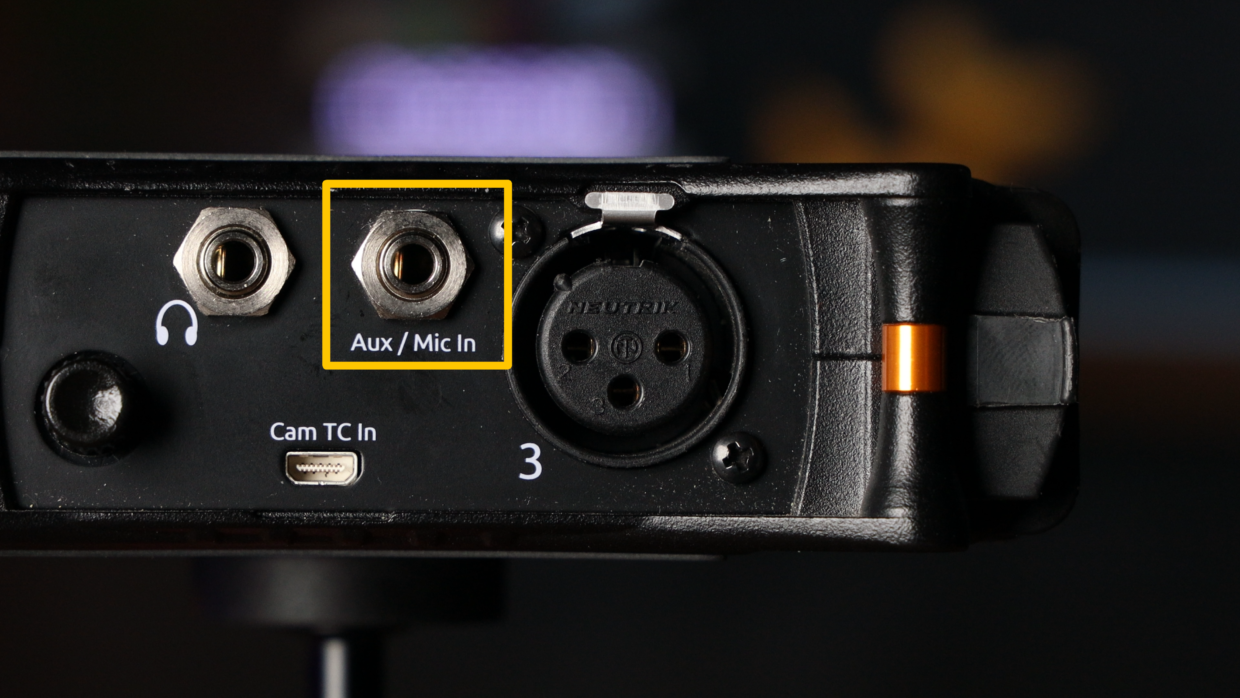
Step #1
First things first, grab a 3.5 to 3.5 TRS cable. Next, locate the mic input on the right side of the mixer and plug it in.
Step #2
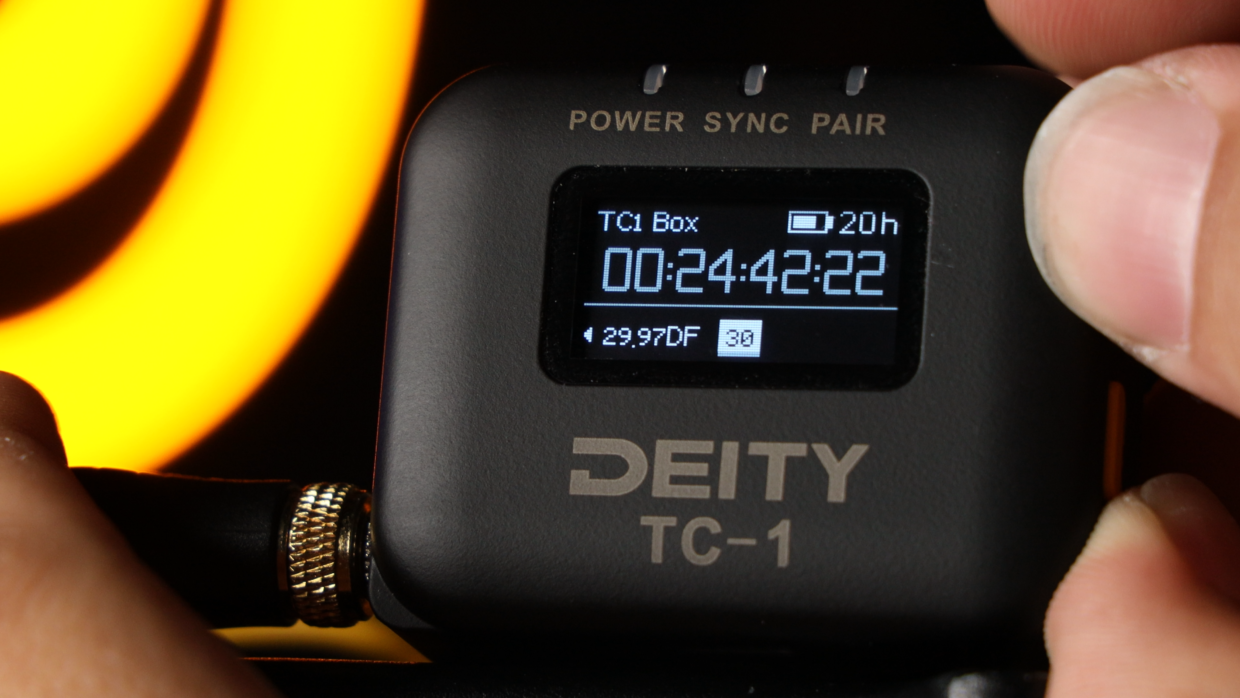
Really quickly, confirm your frame rate, in this case I’m using “30.“
On your TC-1, scroll over to the frame rate section and match it to the camera.
Step #3
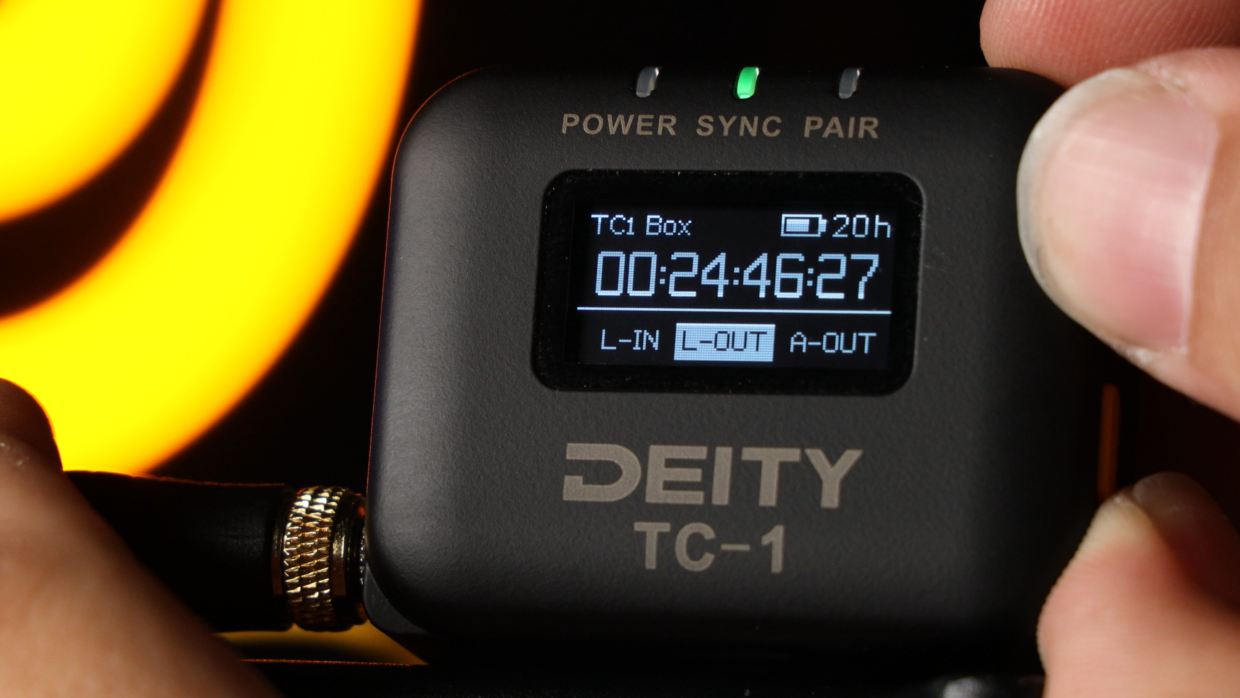
Next, scroll over to the out type section and select “L-Out.”
Step #4
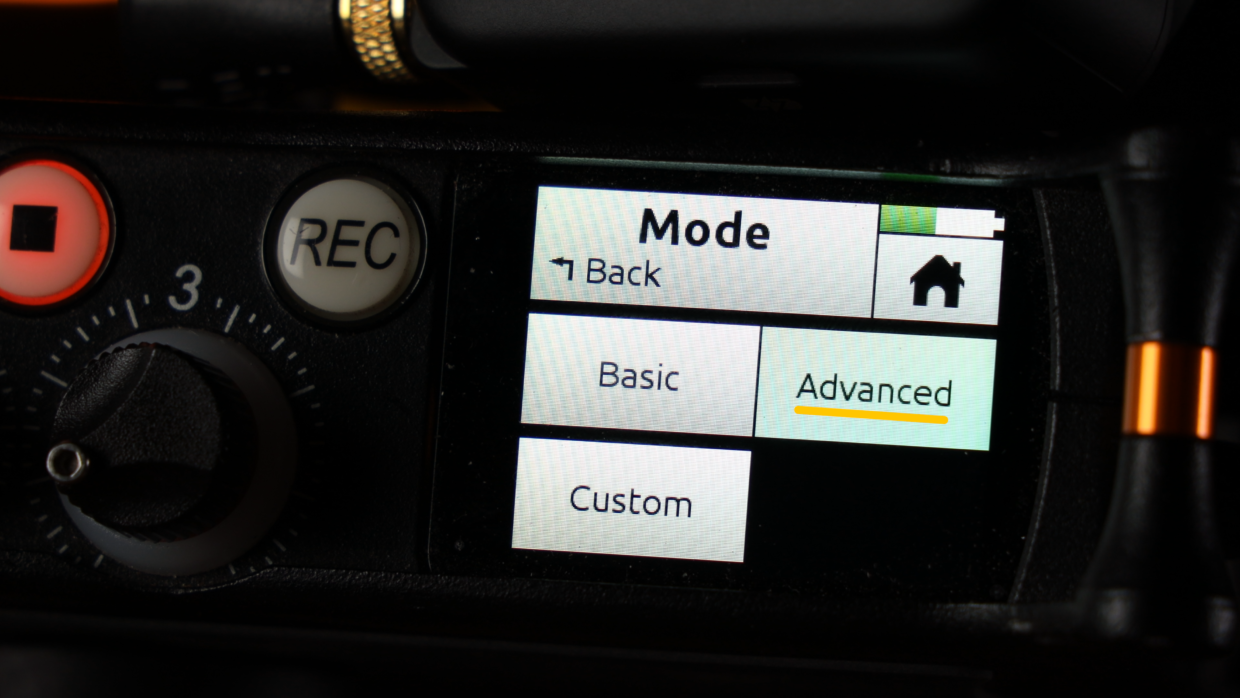
In the MixPre’s menu, go to the 3rd page and select “Mode.” Make sure you’re in “Advanced Mode.”
Step #5
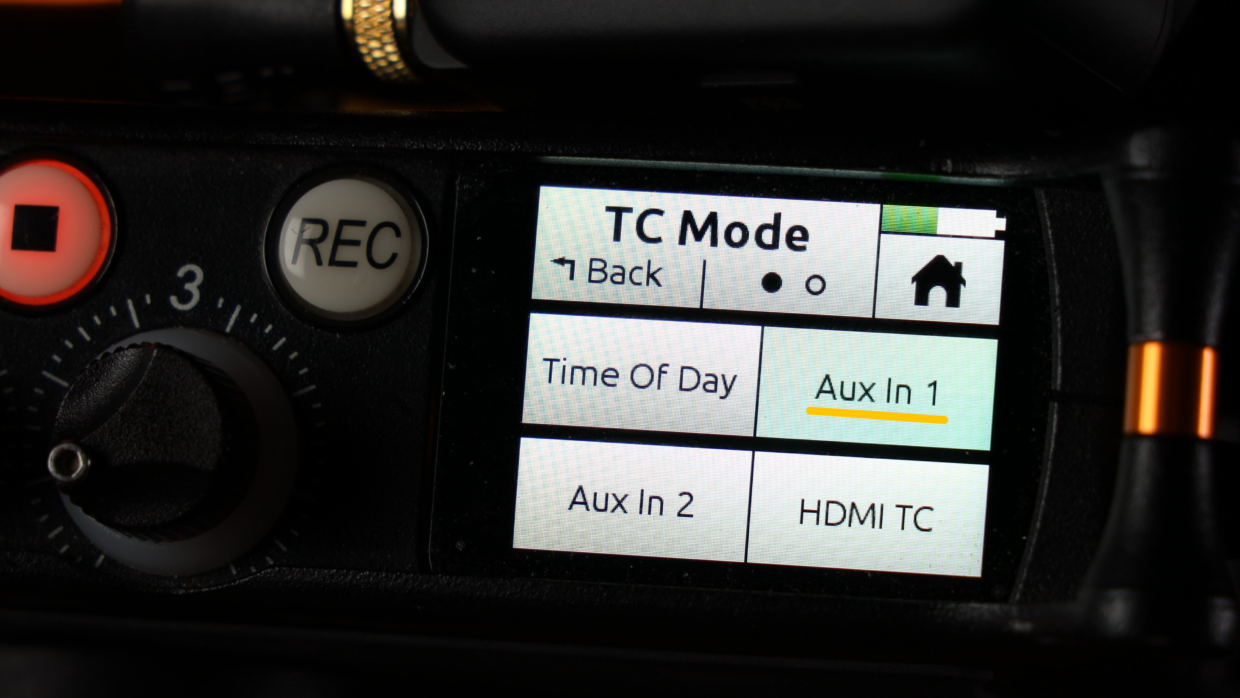
Next, go to the 2nd menu page and select “Timecode,” then “TC Mode,” and make sure “Aux In 1” is selected.
You’re Connected!
With that your MixPre-3 is now ready to be synced with the rest of your set!
If you need help syncing your Deity TC-1 to your other Deity TC-1 timecode generators, here is a User Guide!