
The DLTX is not just a bodypack. With the boom pole bracket it mounts to the top of a boom pole, turning a wired shotgun mic into a wireless boom that feeds your THEOS receiver. This guide covers rigging the DLTX on a boom pole and getting clean audio to set.
Step-By-Step User Guide
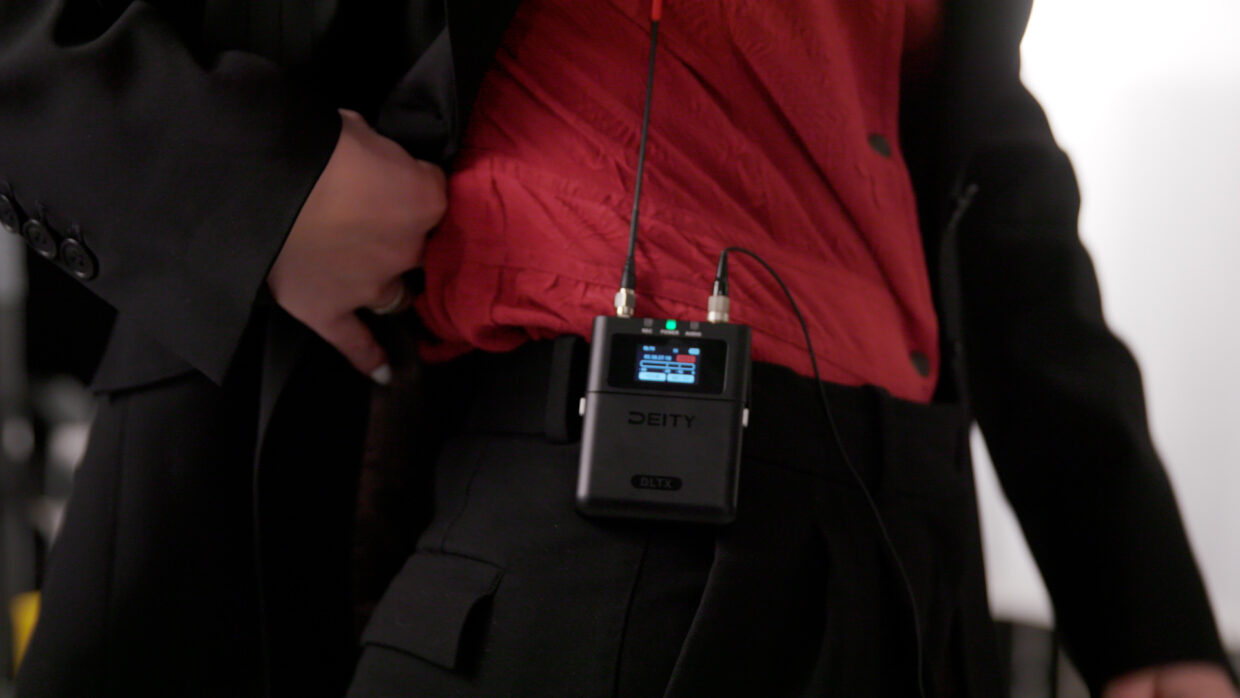
Versatile Transmitter
Besides being a capable body pack transmitter, the Deity DLTX also makes for an excellent boom pole transmitter, thanks to its accessories and power modes.
Microphone Power Menu
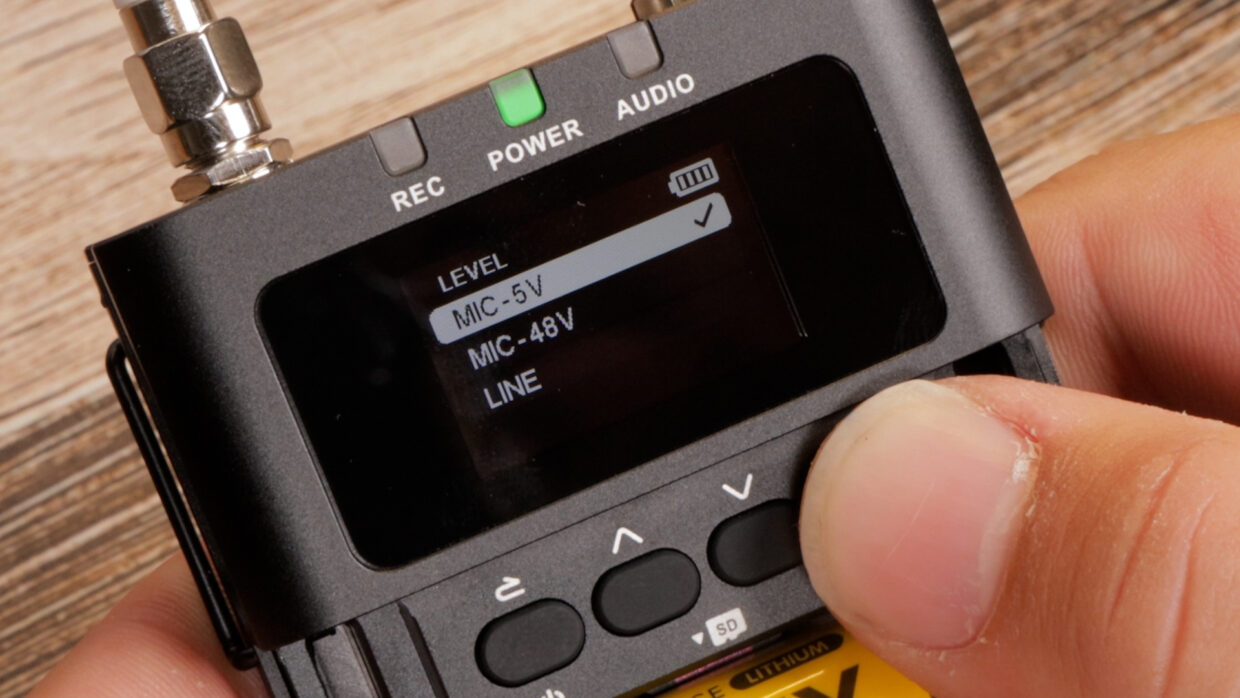
On the DLTX, enter the menu and scroll down to “Level.”
Here, you can enable the phantom power required for shotgun microphones, such as the S-Mic 3.
Remove any Lavaliers
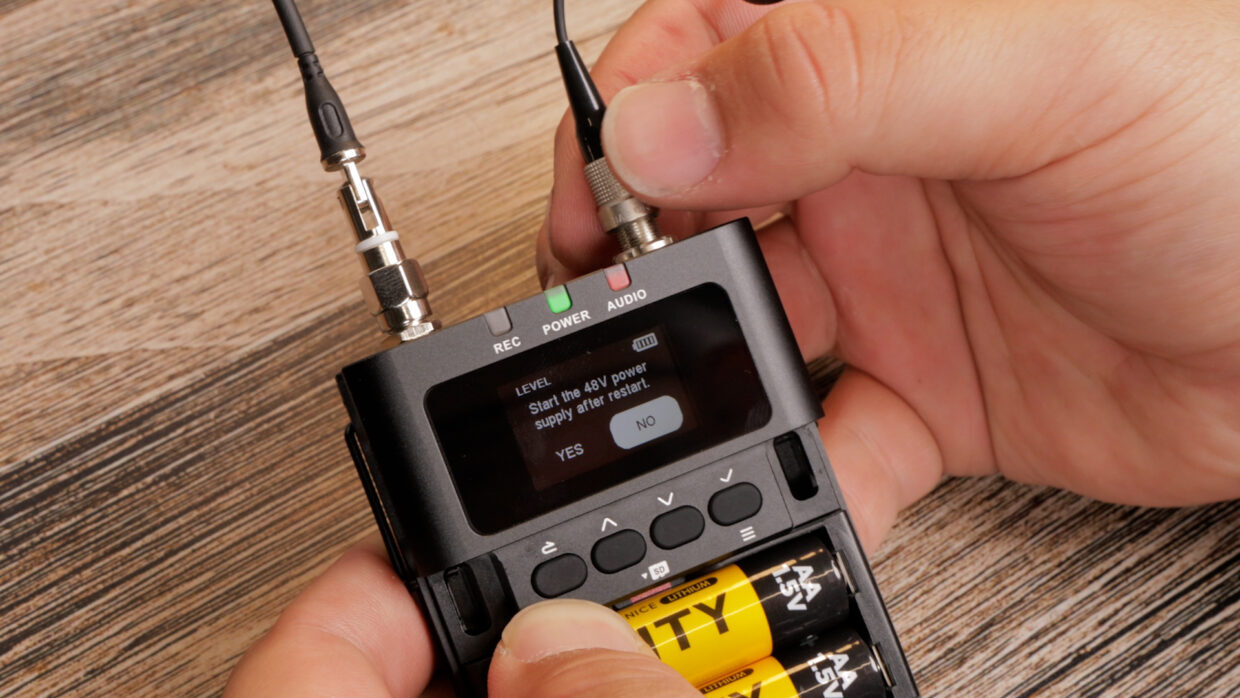
Click 48V, and a restart will be prompted. Before you click confirm, make sure any lavaliers you have attached are removed.
If you don’t, you’ll end up with an overloaded and very broken lav.
Once removed, go ahead and press confirm, and the device will restart in the new power mode.
Attaching to A Boom Pole
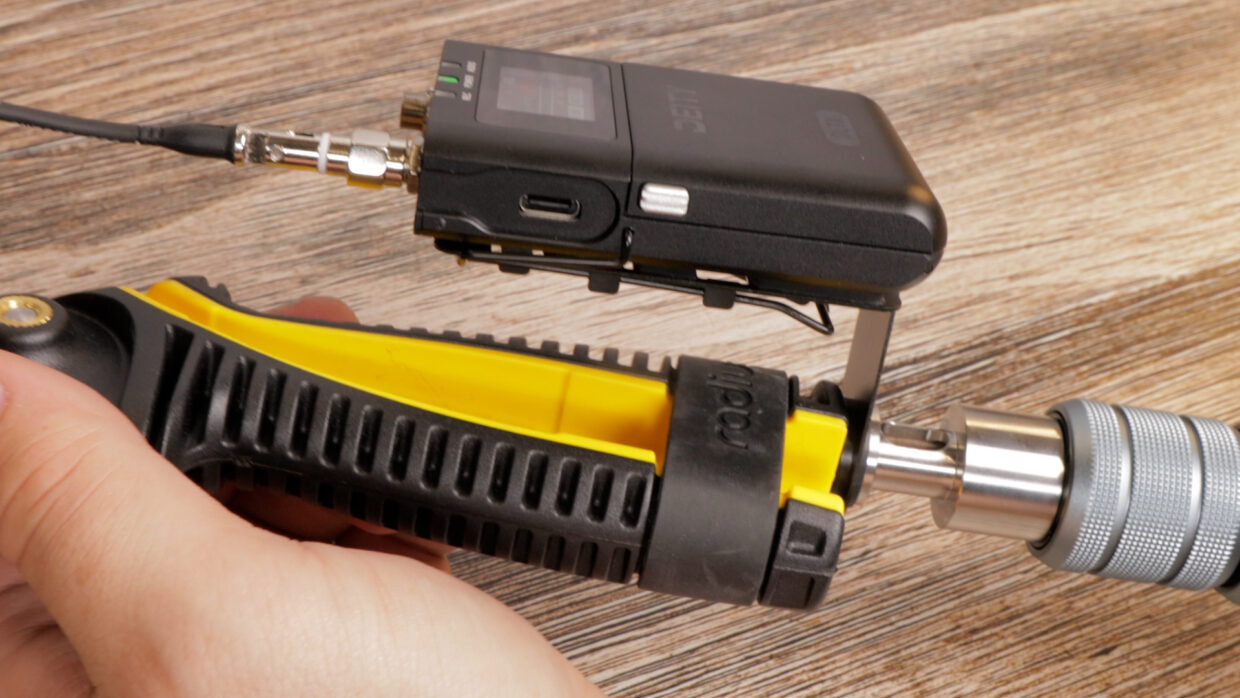
Grab yourself the THEOS boom pole quick release and attach it to the belt clip of the DLTX.
Place the whole system at the end of your boompole, and once you screw on the shock mount, the tension will keep everything in place.
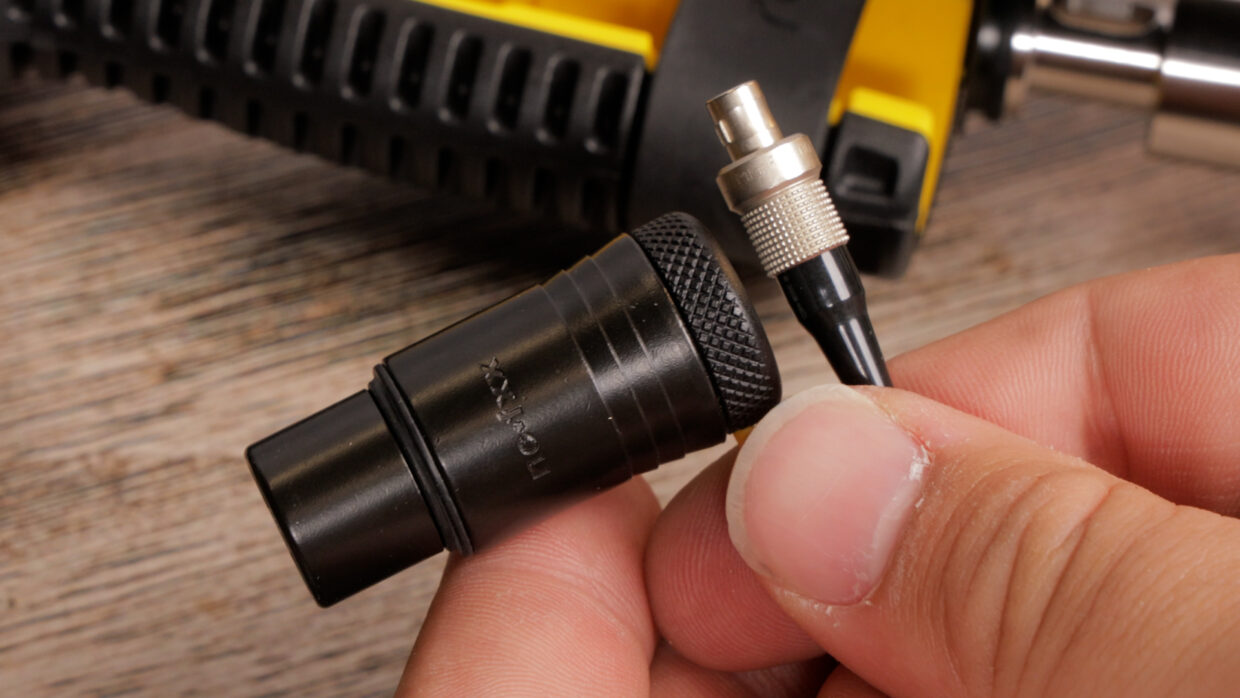
XLR to 3-Pin
The DLTX uses a 3-Pin LEMO connection, so to connect an XLR mic, you’ll have to pick up the Deity L3-Link.
Get connected
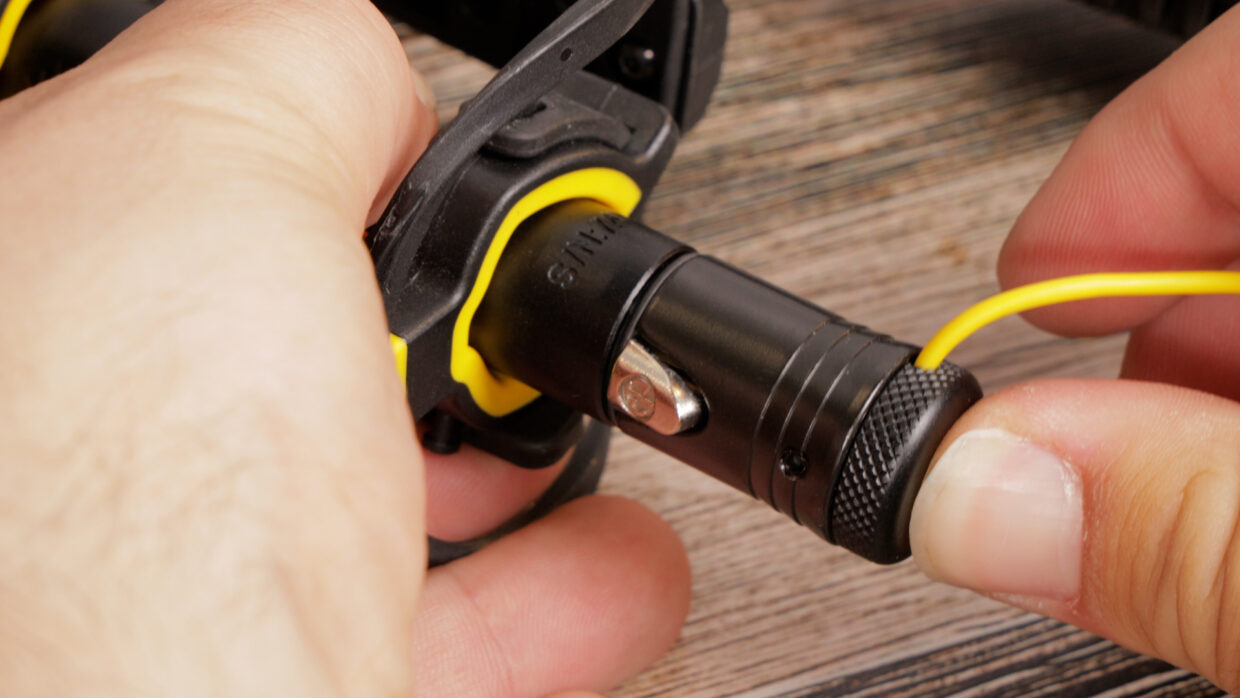
Secure both connections, neaten up the cable, and adjust your gain as needed.
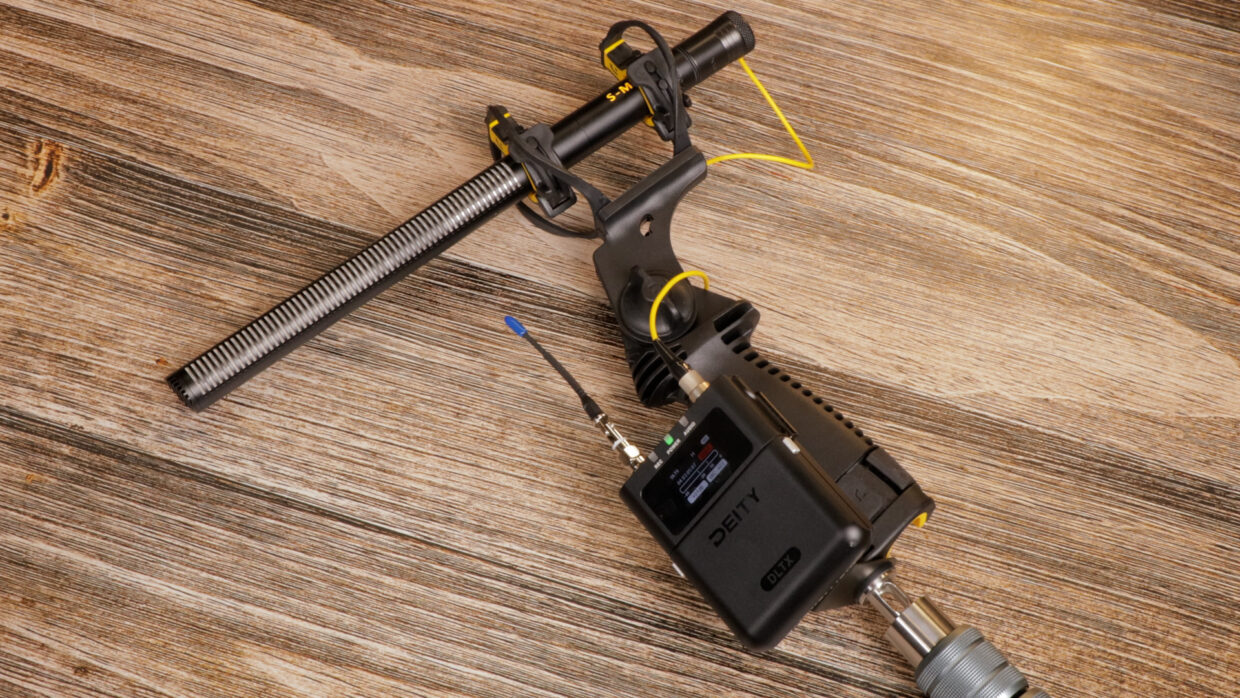
You’re up and running!
Your DLTX is now ready to get recording!
If you need help syncing the DLTX to our Deity TC-1 timecode generators, here is a User Guide!