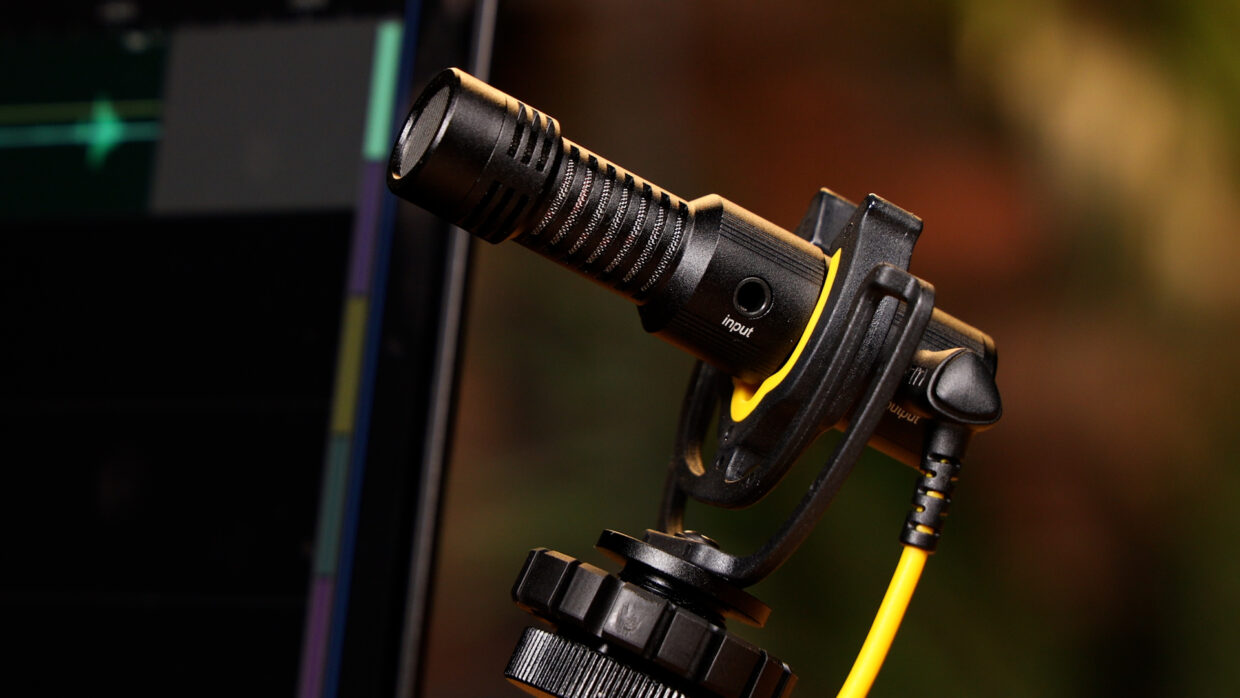
The Deity C21 is a non-locking 3.5mm TRS to USB-C digital audio cable. It lets you feed timecode from a Deity TC-1 into USB-C devices such as the DJI Osmo Pocket 3 and Osmo Action 3, and it also turns any passive 3.5mm microphone into a plug-and-play USB microphone. This guide covers what the C21 does, the devices it works with, and how to use it.
Step-By-Step User Guide
What is the C21?
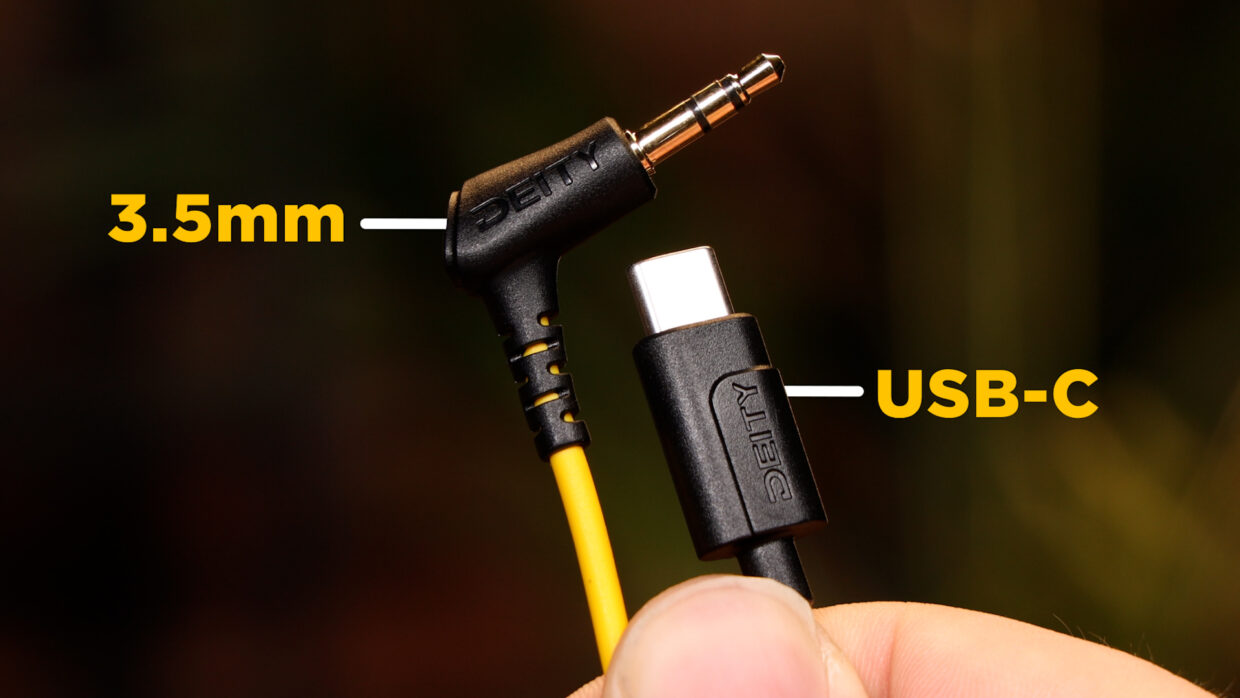
The Deity C21 is a non-locking 3.5mm TRS to USB-C digital audio adapting cable.
Why does it matter?
What this means is that you can use it to turn a passive video microphone into a USB mic. As long as it’s got a 3.5mm connection, the C21 can handle it!
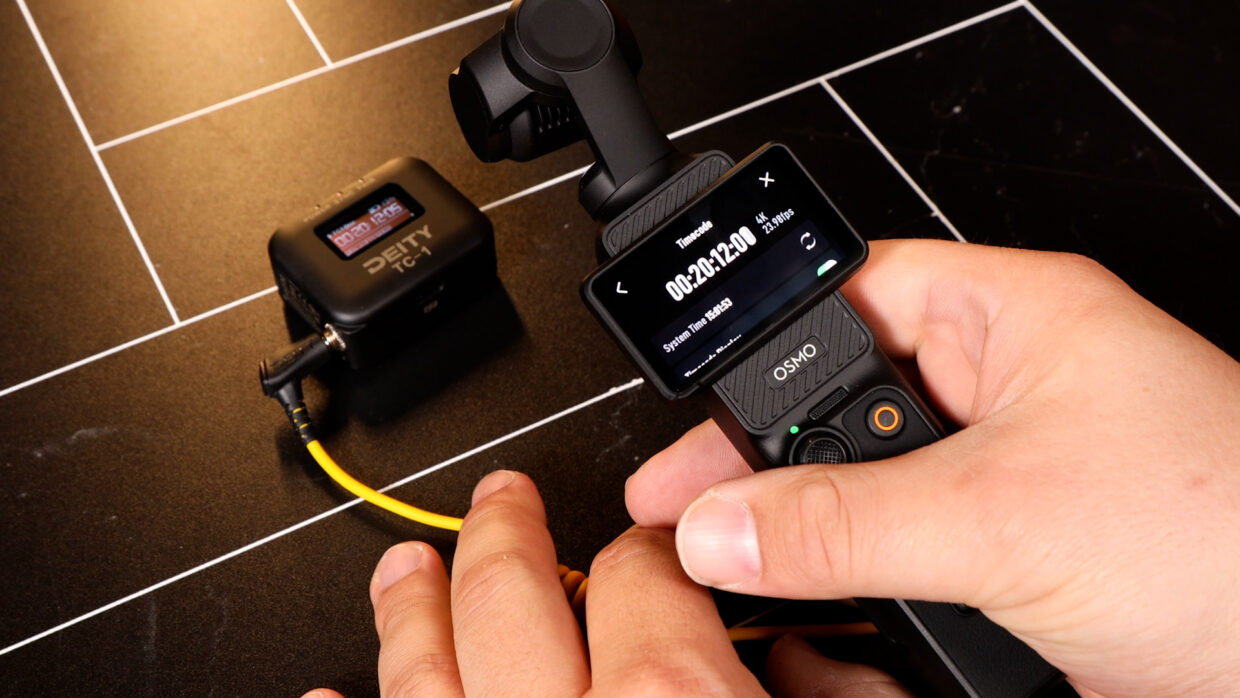
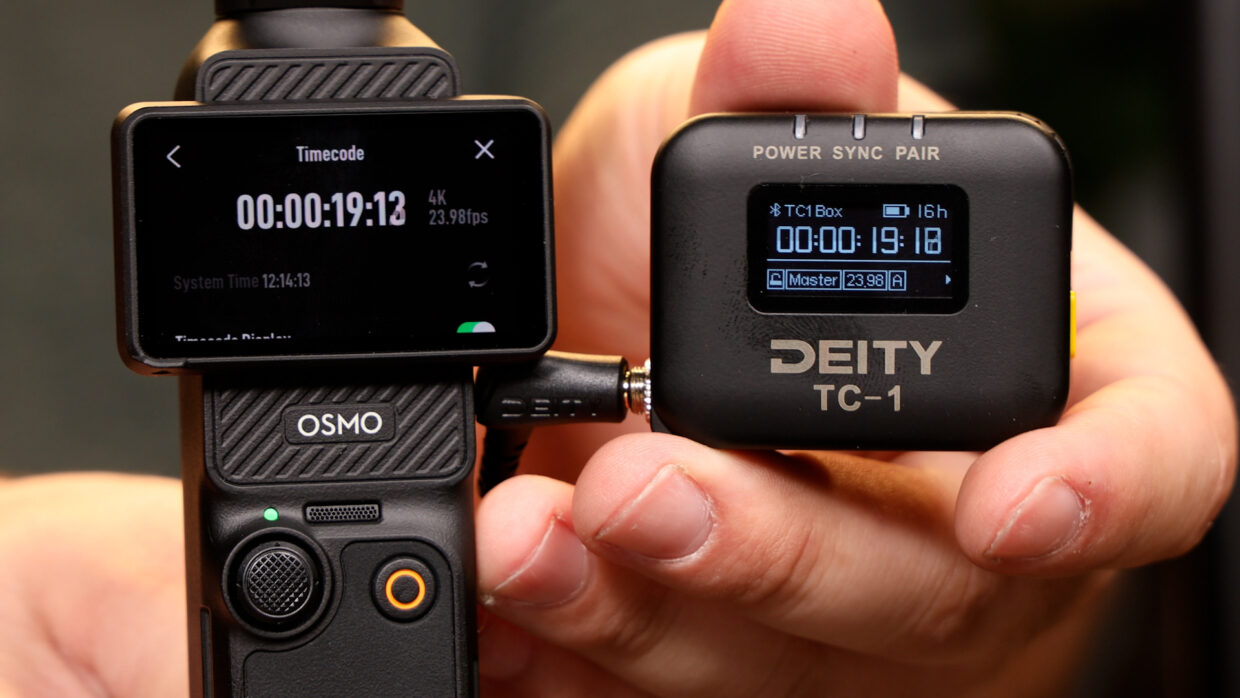
More impressively, it can also convert a timecode generator to talk with DJI cameras. Allowing them to keep in sync with all the other devices on set.
What’s in the box?
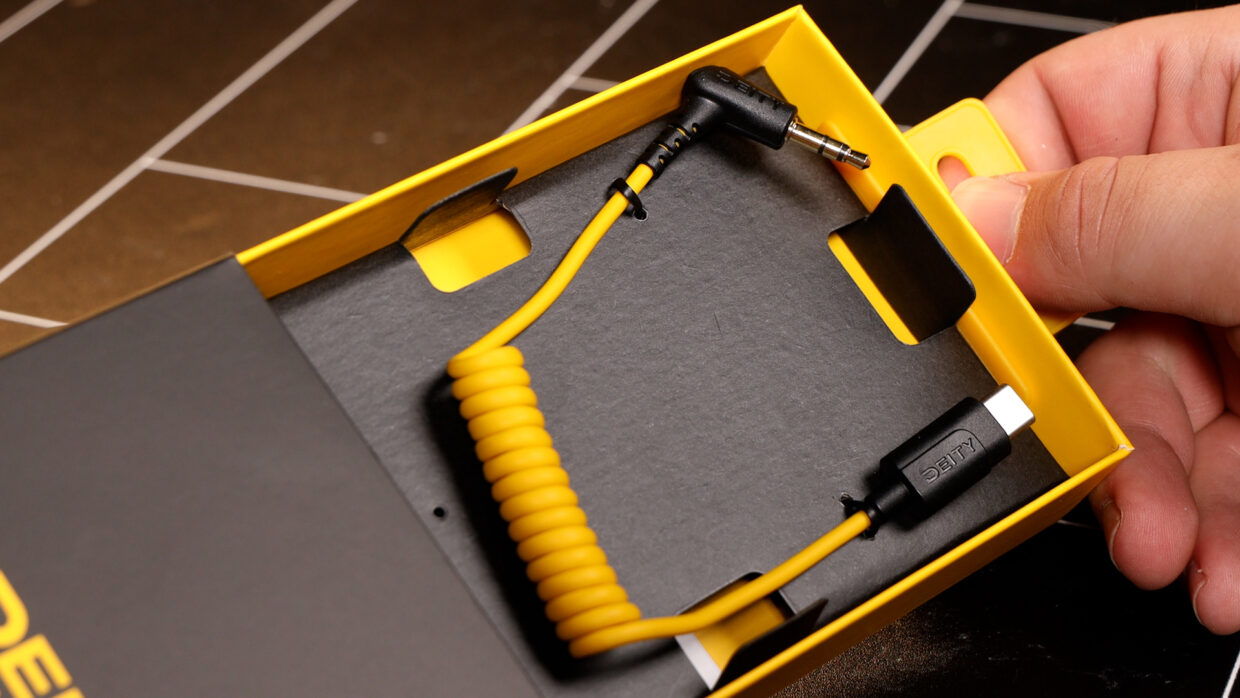
The cable…what else?
OH, and a silica packet…don’t eat that…
Connecting the C21 to PC
The C21 is compatible with every major operating system such as Windows, Mac, Linux, and Chrome.
No proprietary drivers are needed, the cable utilizes the ones you already have!
Simple go to your computer’s sound setting and make sure “USB PnP Audio Device” is selected.
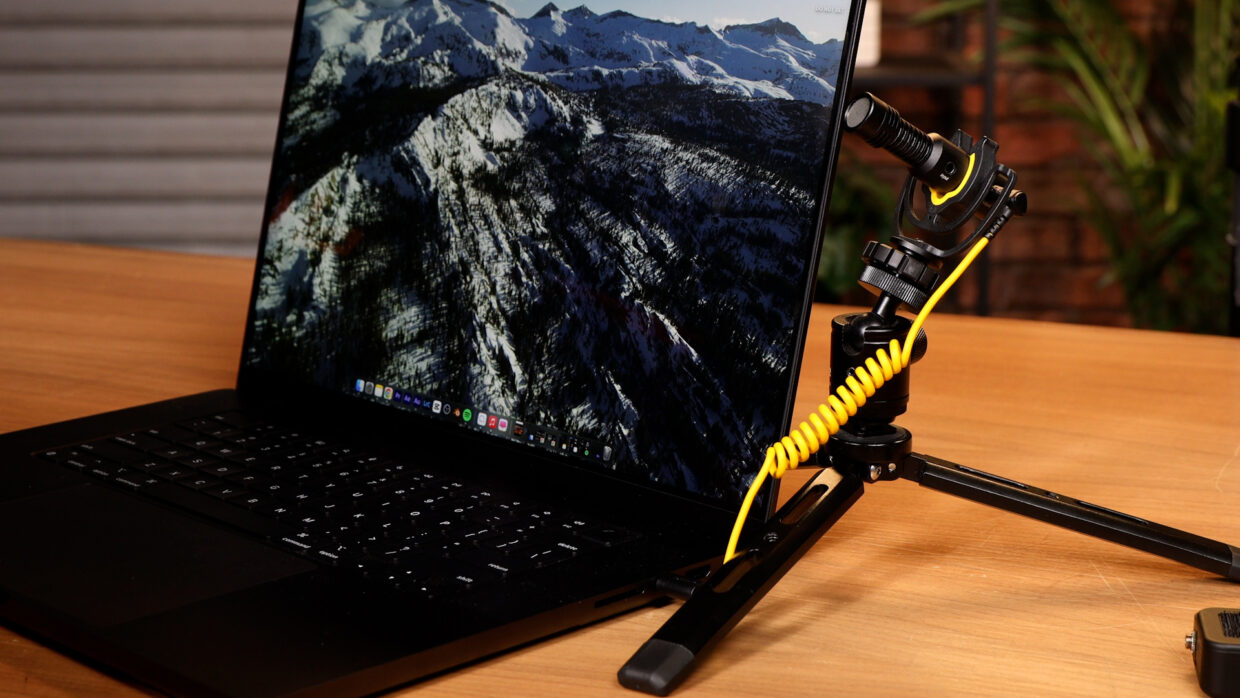
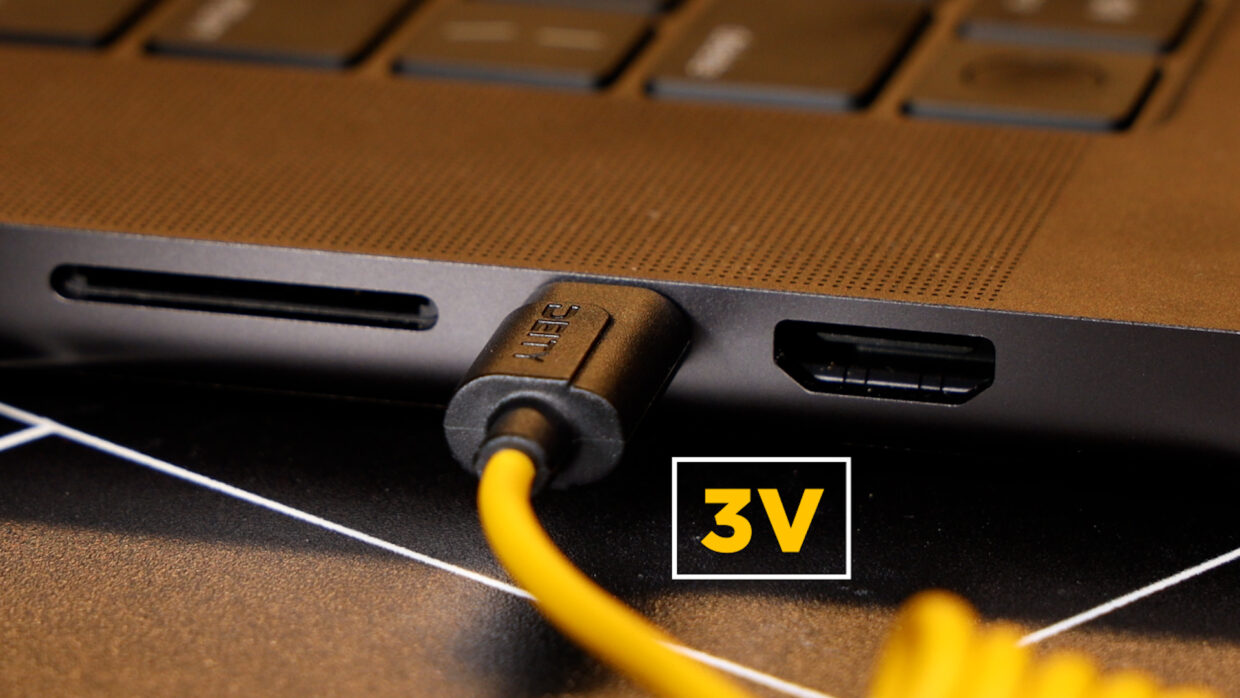
Any brand, anytime.
The C21 is compatible with brands beyond Deity, so keep using the devices you love.
Some of these include Comica, Sennheiser, Saramonic, and Rode, really, anything that’s got a 3.5mm connection.
The C21 is also capable of providing the 3V required for passive microphones.
Connecting the C21 to DJI cameras
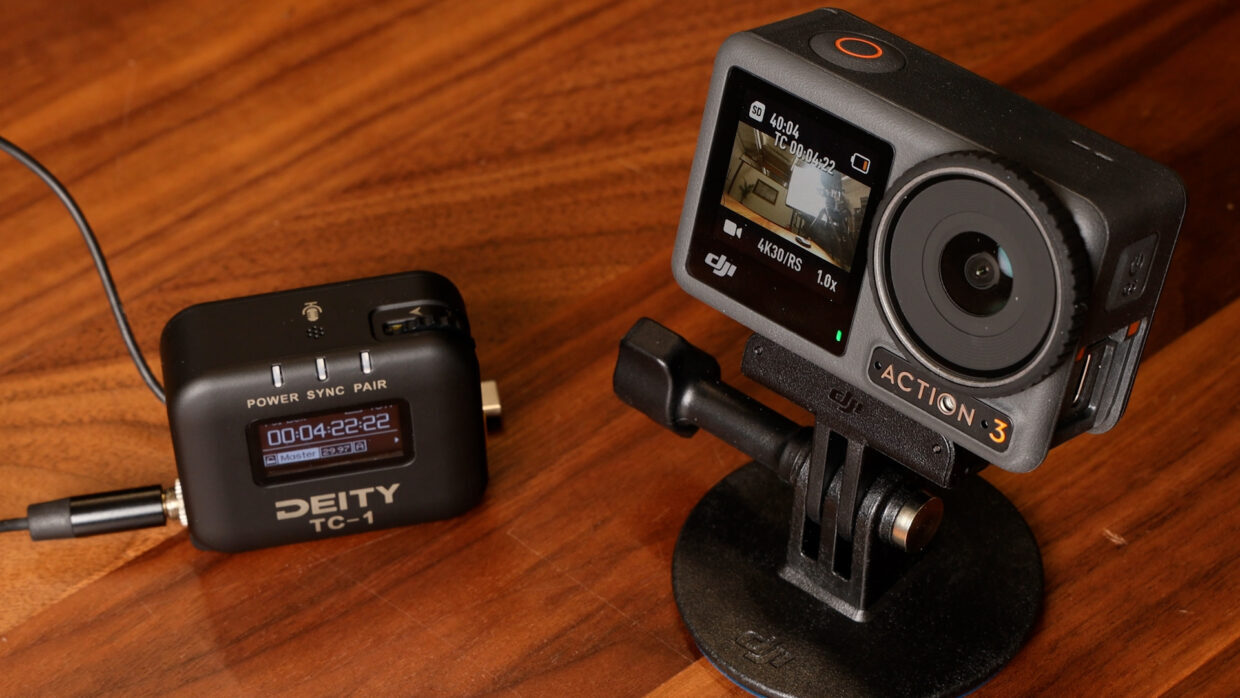
Match the Deity TC-1 settings to your DJI camera, and simply plug it into the timecode menu.
Boom, your device will recognize this signal and embed the timecode.
Cameras tend to drift after a while so be sure to re-jam every so often throughout the day.
More In-depth tutorials
Every camera menu is different, luckily we have dedicated articles breaking down how to set up timecode on each device.
Cameras:
• OSMO Action 3
• OSMO Pocket 3
You’re Connected!
Whether it’s getting better audio for your Zoom calls or keeping critical sync on a major production, the C21 is the connection you need.